Noctrus Market POS
Keep the checkout moving while managing products, stock, customer sales and the cashier’s working day.
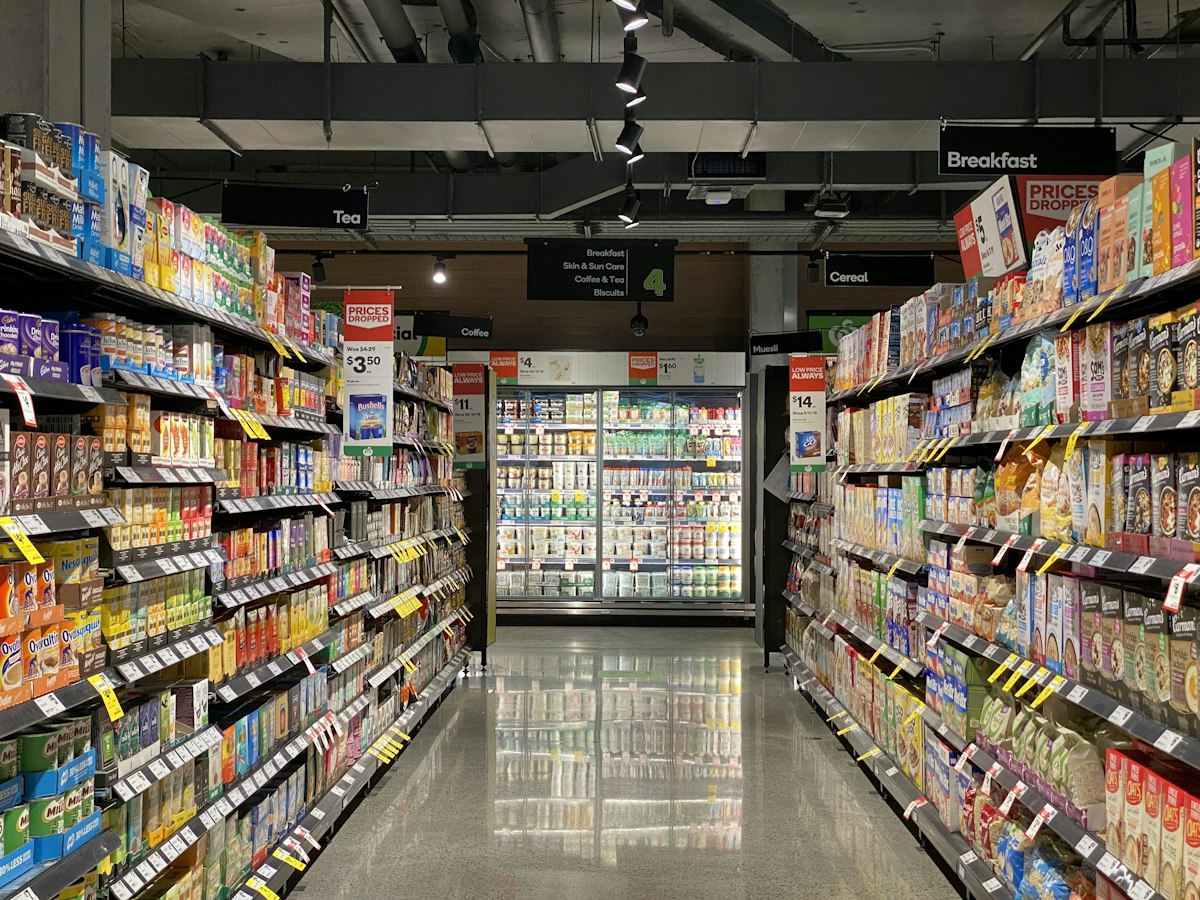
Get to know the workflow.
Choose a chapter and read at your own pace. You can also play the overview with optional browser-generated narration.
Barcode checkout
Find products, build a basket and record customer sales through a dedicated point-of-sale workflow.
Read the complete transcript
- Barcode checkout.Find products, build a basket and record customer sales through a dedicated point-of-sale workflow.
- Cashier shifts.Organize cashier activity and review receipts and sales within the working shift.
- Stock & expiry.Follow product quantities and expiry information to support replenishment and day-to-day stock control.
- Customers & suppliers.Keep the people behind your sales and purchases connected to company records.
- Daily sales.Review selling activity and its financial consequences through company reporting.
This is a guide to the listed features, with no customer data or simulated app screen. Voice begins only when you press Play and depends on your browser. The complete text remains available without audio.
Before you decide.
Barcode scanners, printers and other peripherals require compatible setup. Offline selling is available through the configured Windows application; reconnect to synchronize.
Confirm Windows availability, supported offline workflows and device setup for your rollout before relying on offline operation.
Watch an illustrated previewOptional video · fictional data, not the live application
Watch the product demo.
English voice-over, sample numbers and animated cursor highlights. No existing workspace was used.
Demo data · Illustrated product preview, not a recording of the live application. All names, numbers and records are fictional. The controls below offer a separate narrated chapter overview.
Try the work that matters to you.
Use a seven-day trial to evaluate available workflows and confirm the setup your business needs.
One platform. Different working days.

Noctrus Finance & Business
One financial brain
Bring your company’s financial picture and customer relationships together, while each team works in the app built for its business.
Read the feature guide
Noctrus Gym Manager (NGM)
A better-run club
From the first prospect conversation to the next renewal: connect reception, coaching, members and management in one club workspace.
Read the feature guide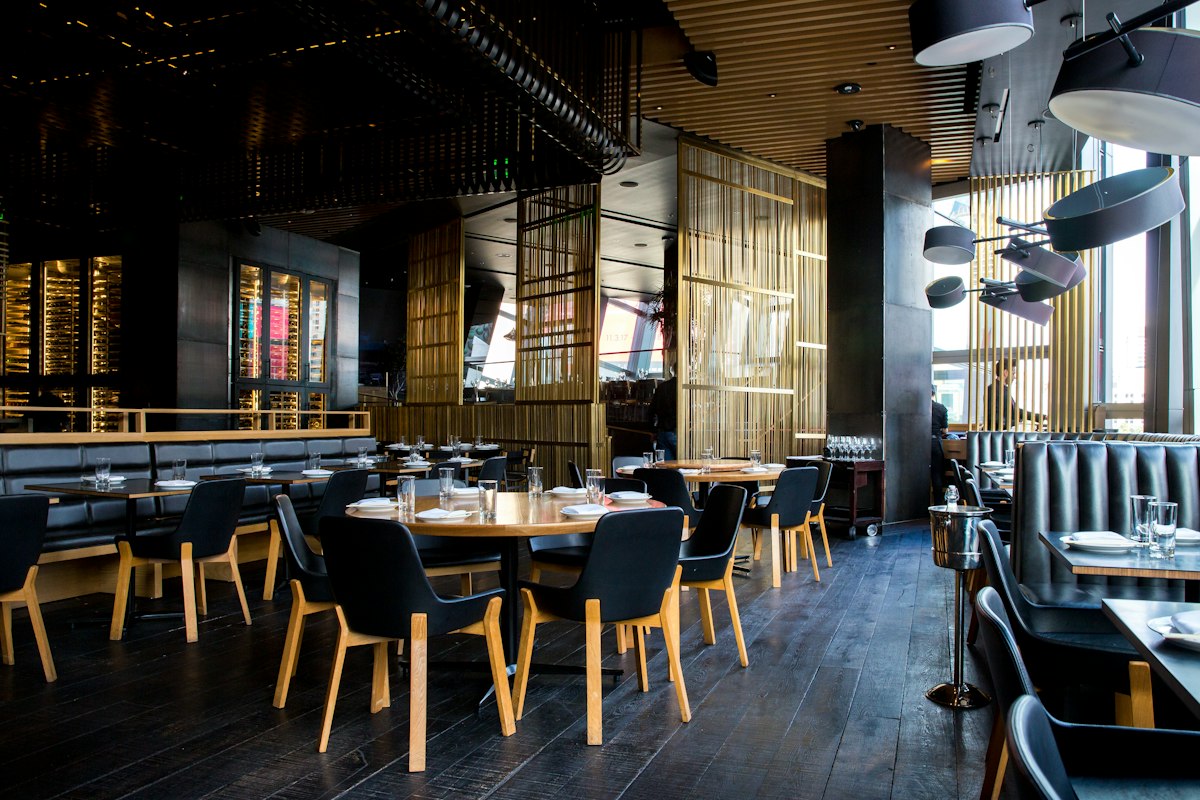
Noctrus Resto POS
From table to kitchen
Bring tables, orders, kitchen activity and cashier shifts into a restaurant-focused workspace.
Read the feature guide